Requirements
- Target platform
- OpenClaw
- Install method
- Manual import
- Extraction
- Extract archive
- Prerequisites
- OpenClaw
- Primary doc
- SKILL.md
Use when running the OpenClaw/ClawHub Bring! skill to search recipes on the web, parse recipe URLs for ingredients, and add ingredients to a Bring shopping l...
Use when running the OpenClaw/ClawHub Bring! skill to search recipes on the web, parse recipe URLs for ingredients, and add ingredients to a Bring shopping l...
Hand the extracted package to your coding agent with a concrete install brief instead of figuring it out manually.
I downloaded a skill package from Yavira. Read SKILL.md from the extracted folder and install it by following the included instructions. Tell me what you changed and call out any manual steps you could not complete.
I downloaded an updated skill package from Yavira. Read SKILL.md from the extracted folder, compare it with my current installation, and upgrade it while preserving any custom configuration unless the package docs explicitly say otherwise. Summarize what changed and any follow-up checks I should run.
User fragt nach Rezeptvorschlägen oder saisonalen Gerichten ("Was essen wir heute?", "Rezeptideen", "saisonale Inspirationen") User möchte Einkaufslisten anzeigen oder aktualisieren ("Was steht auf der Einkaufsliste?", "Füge ... hinzu") User will Zutaten für ein Rezept hinzufügen User fragt nach Bring-Liste-Status oder Rezept-Markern Jegliche Anfragen rund um Einkaufsplanung und Rezeptauswahl
Build a Bring! CLI-focused skill that uses the updated node-bring-api to fetch inspirations (recipes), highlight seasonal dishes, and add user-selected ingredients to a shopping list. WICHTIG: Immer explizit nach Bestätigung fragen, bevor Artikel zur Liste hinzugefügt werden!
List inspiration filters and identify seasonal tags. Fetch inspirations using those tags. Summarize 3-7 seasonal dishes. IMMER FRAGEN: "Soll ich die Zutaten für [Rezeptname] zur Bring-Liste hinzufügen?" Nur bei expliziter Bestätigung: Add their ingredients (not the dish name). Use references/bring-inspirations.md for endpoint details and headers. These scripts load node-bring-api from: BRING_NODE_API_PATH (if set), or ../../node-bring-api/build/bring.js relative to this skill, or the installed bring-shopping package.
Run: node scripts/bring_inspirations.js --filters Read the JSON and pick tags that look seasonal (e.g., winter/sommer/fruehling/herbst). If unsure, ask the user to pick from the filter list.
Run: node scripts/bring_inspirations.js --tags "<comma-separated-tags>" --limit 20 If the user did not specify tags, default to mine. Inspect the JSON and extract a short list of suggested dishes with any available metadata. Capture content.contentSrcUrl for each dish (needed to load ingredients).
Return 3-7 options. Include dish name and 1 short sentence (if available in the JSON). WICHTIG: Frage explizit: "Welche Rezepte sollen zur Bring-Liste hinzugefügt werden?" oder "Soll ich die Zutaten hinzufügen?" Warte auf explizite Bestätigung des Users.
NUR NACH EXPLIZITER BESTÄTIGUNG, list available lists if needed: node scripts/bring_list.js --lists Add ingredients from the selected dish content URL(s): node scripts/bring_list.js --list <list-uuid> --content-url "https://api.getbring.com/rest/v2/bringtemplates/content/<uuid>" Or resolve by list name: node scripts/bring_list.js --list-name "Einkauf" --content-url "https://api.getbring.com/rest/v2/bringtemplates/content/<uuid>"
Create a new shopping list: node scripts/bring_list.js --create-list "Amazon" Returns the new list's UUID and name. If a list with that name already exists, returns the existing list info without creating a duplicate. Note: List deletion is not supported by the Bring API — lists can only be deleted via the Bring app.
These scripts default to ENV values: BRING_EMAIL BRING_PASSWORD BRING_COUNTRY (default DE) BRING_NODE_API_PATH (optional path to build/bring.js) If ENV is not set, pass --email and --password explicitly.
Add items tagged with a recipe name so you can track which ingredients belong to which recipe: node scripts/bring_list.js --list-name "Einkauf" --add-recipe "Lasagne" --recipe-items "Nudeln,Hackfleisch,Tomaten" This stores each item with the specification [Rezept] Lasagne, acting as a recipe marker. List distinct recipe markers on a list: node scripts/bring_list.js --list-name "Einkauf" --recipe-markers Returns a sorted array of recipe names currently on the list.
When a user asks for recipe suggestions ("Was soll ich heute kochen?", "Rezeptideen für Sommer"): Step 1: Search for recipes Use your web_search tool (Brave API) to find recipe URLs: web_search("Sommer Rezepte vegetarisch site:chefkoch.de") web_search("schnelle Abendessen Rezepte site:chefkoch.de OR site:lecker.de") Pick 3-5 promising recipe URLs from the search results. Step 2: Parse recipe URLs for structured data node scripts/bring_inspirations.js --parse-url "url1,url2,url3" Returns structured JSON per recipe: name, ingredients (itemId + spec), image URL, source URL. For a single URL, returns a single object. For multiple URLs, returns an array. Step 3: Present options to the user Show the user the parsed recipes with: Recipe name Number of ingredients Source URL Key ingredients (first 5-6) IMMER FRAGEN: "Möchtest du die Zutaten für [Rezeptname] zur Bring-Liste hinzufügen?" oder "Welche Rezepte soll ich zur Einkaufsliste hinzufügen?" Step 4: Add selected recipe to list (NUR BEI BESTÄTIGUNG) node scripts/bring_list.js --list-name "Einkauf" --add-recipe-url "https://www.chefkoch.de/rezepte/123/lasagne.html" This parses the recipe, creates a marker (e.g., === LASAGNE ===), tags all ingredients with the recipe name, and batch-adds everything to the list.
node scripts/bring_inspirations.js --parse-url "https://www.chefkoch.de/rezepte/123/lasagne.html" Returns structured ingredient data without adding to any list. Useful for previewing.
The Bring parser supports most major recipe websites including: chefkoch.de lecker.de eatsmarter.de kitchenstories.com And many more (any site with structured recipe data / JSON-LD)
CRITICAL: Never generate images for recipes. Recipe websites always include photos. Extract and use those instead.
Method 1: Use --parse-url (preferred) If the parser supports the site, the image URL is included in the JSON response: node scripts/bring_inspirations.js --parse-url "https://www.chefkoch.de/rezepte/123/lasagne.html" # Returns: { ..., "image": "https://img.chefkoch-cdn.de/rezepte/123/lasagne.jpg", ... } Method 2: Fallback (manual extraction with web_fetch) If --parse-url fails or returns no image, use web_fetch to extract the Open Graph image tag: // Use web_fetch tool to get HTML (no exec approval needed) web_fetch("https://www.chefkoch.de/rezepte/123/lasagne.html") // Parse the returned markdown/text for og:image meta tag // Extract URL from: <meta property="og:image" content="https://..."> The image URL can then be used directly in markdown or Discord embeds — no download required: 
Search for recipe URLs (web_search) Parse recipe URL (--parse-url or web_fetch fallback) Extract the recipe image URL (no download needed) Present recipe with: Name Image (embed via URL: ) Key ingredients Source URL IMMER FRAGEN: "Soll ich die Zutaten für dieses Rezept zur Bring-Liste hinzufügen?" NUR BEI EXPLIZITER BESTÄTIGUNG: Add to shopping list
# Step 1: Search web_search("Lachs Honig Senf Rezept") # Step 2: Parse via --parse-url (preferred) node scripts/bring_inspirations.js --parse-url "https://www.eatclub.de/rezept/honig-senf-lachs/" # → { ..., "image": "https://www.eatclub.de/wp-content/uploads/2023/09/shutterstock-416951386.jpg" } # Step 2 (Fallback): Use web_fetch if parser fails web_fetch("https://www.eatclub.de/rezept/honig-senf-lachs/") # Parse HTML response for: <meta property="og:image" content="..."> # Step 3: Present to user with image URL embedded # 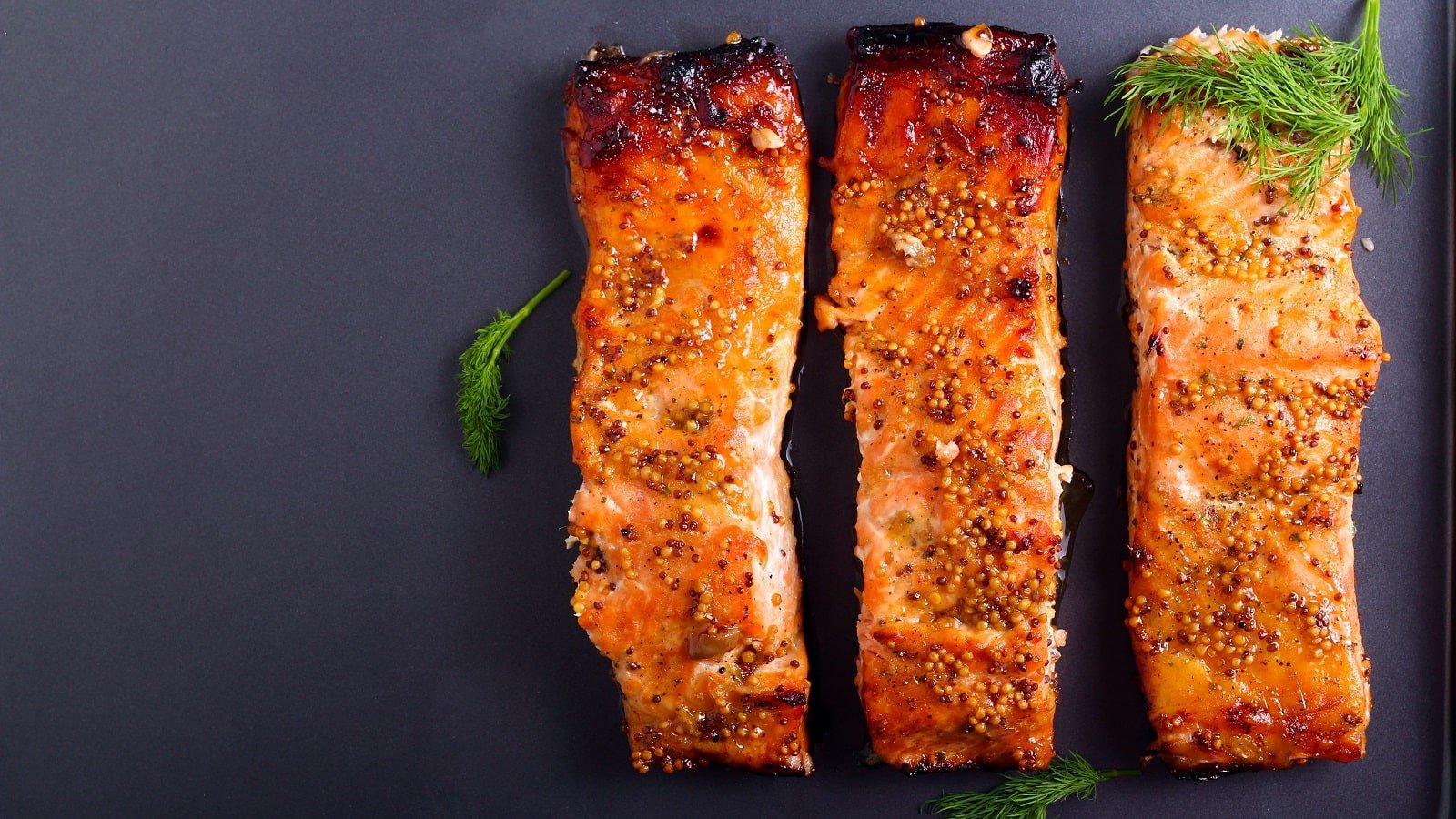 # Zutaten: Lachs, Honig, Senf, Olivenöl, Knoblauch... # Step 4: IMMER FRAGEN # "Soll ich die Zutaten für Honig-Senf-Lachs zur Bring-Liste hinzufügen?" # Warte auf: Ja / Nein / Bestätigung # Step 5: NUR BEI BESTÄTIGUNG hinzufügen # node scripts/bring_list.js --list-name "Zuhause" --add-recipe "Honig-Senf-Lachs" --recipe-items "..."
Agent: "Ich habe 3 leckere Rezepte gefunden: 🍝 Spaghetti Carbonara (5 Zutaten) 🍛 Chicken-Curry (9 Zutaten) 🥗 Griechischer Salat (7 Zutaten) Welche Rezepte soll ich zur Bring-Liste hinzufügen?" User: "Das Curry klingt gut" Agent: "Soll ich die Zutaten für Chicken-Curry zur Bring-Liste 'Zuhause' hinzufügen? (9 Artikel: Hähnchen, Kokosmilch, Curry...)" User: "Ja" Agent: "✅ Zutaten für Chicken-Curry hinzugefügt!"
Bei mehreren Rezepten IMMER einzeln bestätigen lassen oder explizit fragen: "Soll ich ALLE 3 Rezepte hinzufügen?" "Welche der Rezepte soll ich hinzufügen? (1, 2, 3 oder alle)" Remember: Recipe images come from the source website, never from image generation tools Use the image URL directly — no download needed (platforms load images themselves) web_fetch avoids exec approvals and works seamlessly with OpenClaw
Keep the skill output in German for Germany by default. KRITISCH: NIEMALS Artikel ohne explizite Bestätigung hinzufügen! IMMER FRAGEN: "Soll ich die Zutaten zur Bring-Liste hinzufügen?" oder ähnliche Formulierung NUR BEI JA/BESTÄTIGUNG: Erst dann zur Liste hinzufügen Always add ingredients instead of the dish name when using inspirations. Bei mehreren Rezepten: Einzeln oder alle zusammen bestätigen lassen
scripts/bring_inspirations.js: Log in and call inspirations and filter endpoints. scripts/bring_list.js: List available shopping lists and add items.
references/bring-inspirations.md: Endpoint details and headers.
Code helpers, APIs, CLIs, browser automation, testing, and developer operations.
Largest current source with strong distribution and engagement signals.